
Be “in the know” to get your budget green light
If you have ever dealt with 911 center equipment procurement, you know that funding is fickle. If you are prepared with the right information, you can ease the buying process:
- Make a strong case for why upgrades are necessary.
- Be ready with high-function, budget-appropriate suggestions.
Put an expo tour on the must-do list
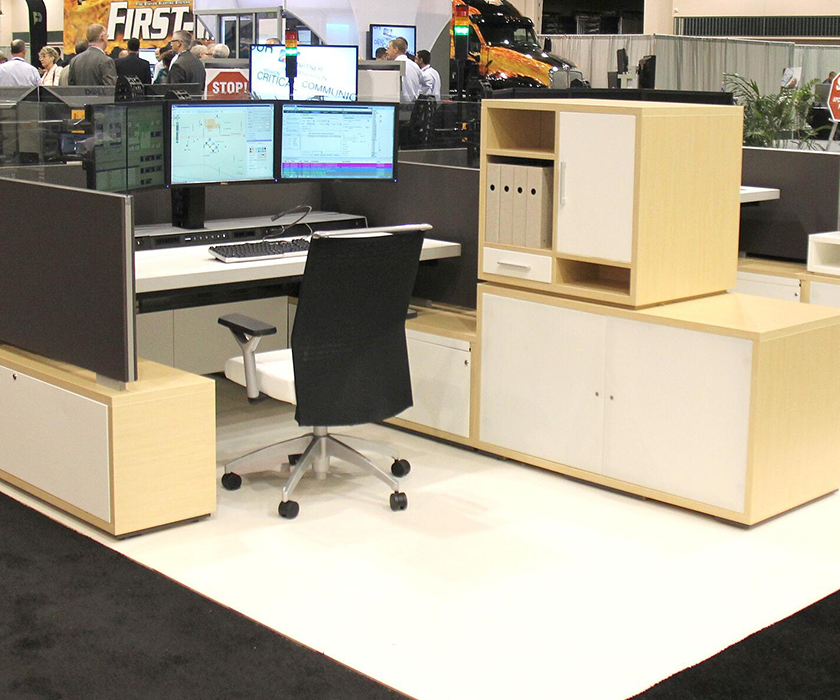
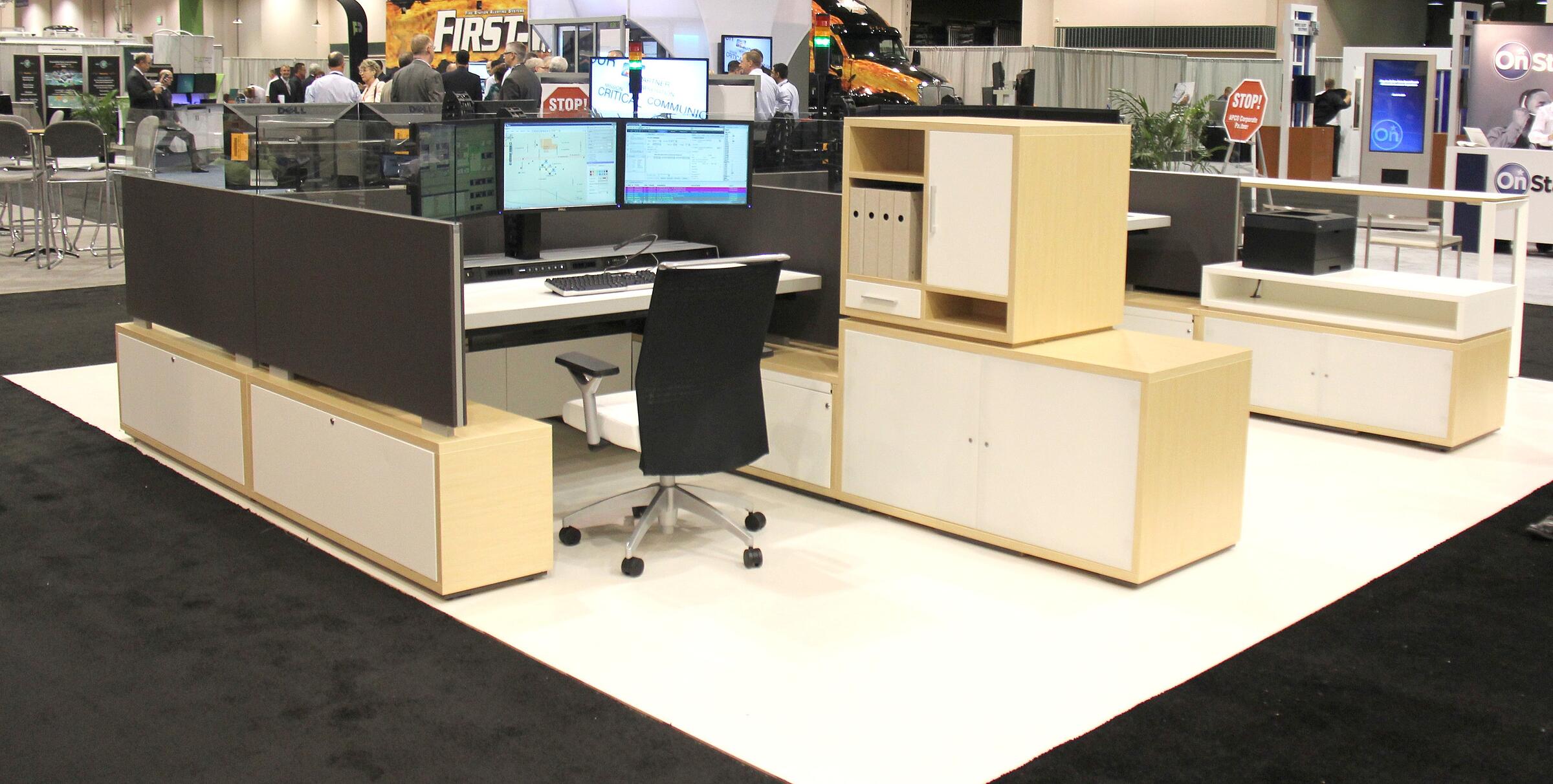
You will find relevant information and product demos for technology, consulting services, furniture, vehicles, and much more. In this video, taken at an association expo, you can see that dispatchers, IT and comm leaders are interested in unique features of these console workstations.
When stakeholders with different perspectives demo the same products at different times, they are more likely to tune-in to user-specific benefits. Encourage deep-dive conversations and empower your team members to share their discoveries with the group. The more information you have, the better decision you can make when it comes to budget and prioritizing feature sets.
Consider a checklist for each type of product that your team members will be reviewing. Have them evaluate features that are important to the work they do every day.
Here is a simple, sample checklist for teams evaluating dispatch console workstations.
DISPATCHER | IT MANAGER | FACILITY MANAGER |
Height-Adjustability | Ease of Installation | Durability |
Focal Depth Adjustment | Maintenance Access | Health & Wellness |
Heating, Cooling | Protection | Use of Space |
See Watson Consoles + other product and service demos at:
Visit the Navigator homepage for more information.

Visit the NENA association website to learn more.

View the APCO program schedule.
And this article has great tips for maximizing your conference experience. Check it out!